


Getting started roadmap

  1. Apply for your Canadian visa and study permit
  2. Pre-registration
  3. Get ready for your first semester: Registering and preparing for classes
  4. Get involved with Student Life and the campus community!
6

Apply for your Canadian visa and study permit

With your Acceptance Package ready, the next step is applying for your Canadian visa and study permit. Make sure you carefully follow the application process and gather all required documents.

How to Apply for a Visa

Applying for a Study Permit

7

Pre-registration

Congratulations on getting your student visa! Before you can start classes or choose your timetable, you must confirm your visa status by uploading your documents and ensure all conditions on your offer are cleared (if applicable). You must do this before you travel to Canada and at least 30 days before the start of classes.

Confirm your visa status

Explore Transition to Canada Series

Learn more about traveling to Canada

Explore Hamilton

Explore Housing Options

8

Get ready for your first semester: Registering and preparing for classes

Welcome to Mohawk! Once you arrive in Canada, there are a few important steps to complete before classes begin. Update your information, register for classes, attend orientation, and set up your timetable.

Upload Study Permit Information and your Personal Information

Registration and Preparing for Classes

How to Select Your Timetable

Attend Orientation and Welcome Events

Learn about your ONE Card

9

Get involved with Student Life and the campus community!

Become part of a vibrant campus community. From events and workshops to clubs, volunteering, and leadership opportunities, there are many ways to connect, build friendships, and make the most of your experience!

Multicultural Events

Community Events

Mohawk College Events

Volunteering at Mohawk

Prepare for your arrival in Canada

Studying in a new country is both exciting and a little nerve-wracking, but you are not alone. We are so pleased you have chosen to study with us. From preparing your documents to planning your travel, please take these steps to help you get ready to start your studies!
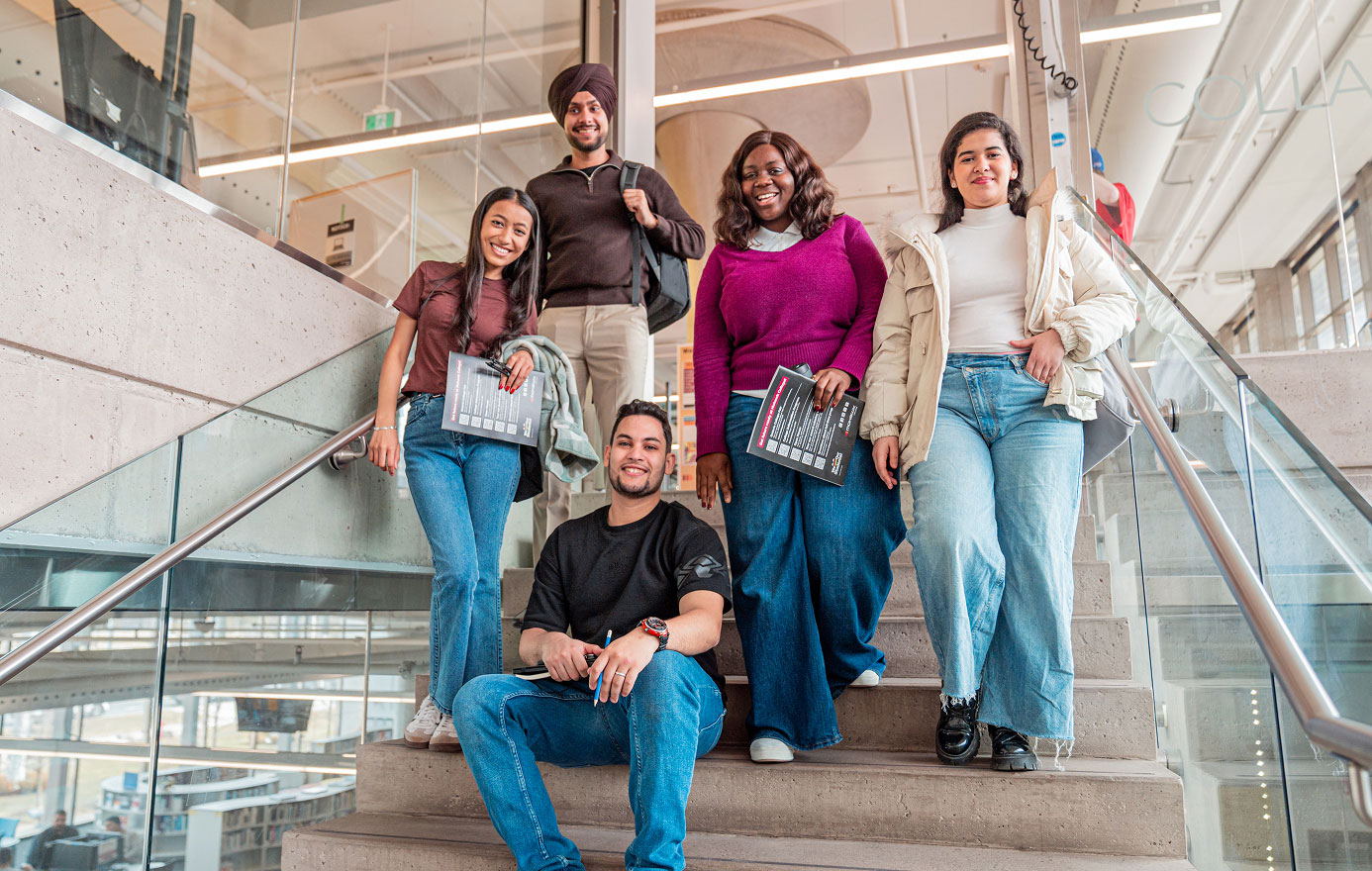
Group of students posing on the stairs to the Mohawk College library.

Your study permit is approved — what's next?

Congratulations, your journey to studying in Canada is about to start! Once your student visa has been approved, be sure to notify Mohawk College so we can support your next steps. You can then begin preparing for your arrival by arranging housing, booking your flight, and getting your documents ready.

Step 1: Download the iCent App

When you arrive, you will recieve your study permit from the Canadian Border Services Agency (CBSA), please upload a scanned copy of your study permit in one of two ways:

  • OCAS-IAS: Log in to OCAS- IAS (can't login?) and upload your Study Permit under the "Visa Documents" tab.
  • The iCent app: if you are using the ICENT app, please complete this step upon arrival in Canada. Upload your Study Permit under the “Check-in with Us” icon. For assistance or questions, contact: support [at] iCent.app (support[at]iCent[dot]app).

Download Instructions for iCent app.

View the iCent privacy disclaimer.

Step 2: Confirm your visa status with us

Congratulations on obtaining your visa approval. This information is important to share with us so we can support your pre-registration for your studies.

Please log in to the OCAS International Application Service (IAS) and follow these steps:
  • Click on your offer and indicate “Visa Received” to provide your documents.
  • Keep in mind that if you submitted your student visa when you applied, you will still need to complete this step.

We send OCAS login information at the time of application; however, if you are using one of our authorized education agents, your login details will be sent after you have made your tuition payment.

Can't login? If you know your username but your password has expired:

Contact OCAS Support

If you don't know your username and password, or the username is not recognized on the OCAS-IAS system:

This is a good time to review any outstanding admission conditions on your offer of admission. If you have any conditions these must be cleared before you travel to Canada. You will not be able to register with a pending admissions condition.

Please note: If you are working with an authorized representative of Mohawk College, you will need to work directly with the agent to update your application in the OCAS International Applicant portal.

Step 3: Attend the Mohawk College Transition to Canada Webinar series

Our arrivals and transition team has created a webinar series to help support your journey to Canada. During these webinars you will learn all the information you need to know about arriving in Canada, studying at Mohawk and registering for your classes.

Our Transition to Canada webinar series includes an initial two-part series of Campus Compass 1 and 2, and additional sessions specific to Housing, Healthcare and Employment.

Watch Transition to Canada Webinar

Step 4: Connect with peers

Building connections, making new friends, and developing your community are key to your success as a student. We've curated a space to help you connect with fellow students and start forming meaningful relationships early in your journey to start building your new community from day one. Join conversations, share your interests, and begin building your social network before you leave home!

Download the Goin' App on Android or IOS.

Logo, Goin' App

Step 5: Book your flight to Canada

The closest international airport to Hamilton is Toronto International Airport (airport code YYZ). While you can arrive in Canada at any point after your visa is approved and before classes begin. Please allow yourself a reasonable amount of time to settle into your new life before starting to study. It is recommended that you arrive at least 2 to 3 weeks before the start of classes.

Arriving after the semester starts may result in your inability to start courses for your intended term or refusal of entry to Canada.

Please review the Toronto Pearson Airport What to expect page before your flight. If you are travelling by air, check your airline requirements before your flight.

For more options, and other relevant information visit the Pearson Airport website.

Unsure what to pack? View the Packing Checklist PDF.

Exterior of the David Braley Athletics and Recreation Centre and Mohawk College's Fennell Campus.

Welcome to Canada!

We are so excited that you are here! At the airport, you will complete immigration and customs, collect your luggage, and then proceed to transportation options to your final destination. These steps are an important part of your arrival journey. Please review these resources to ensure a smooth arrival process.

Immigration and customs

When you arrive in Canada you will go through borders services and immigration.

  • Follow signs and wait in line to speak with a border services officer
  • Present your documents when requested
  • Letter of Introduction (from IRCC)
  • Valid passport
  • Valid Temporary Resident Visa (TRV) or Electronic Travel Authorization (eTA)
  • Letter of acceptance from your institution
  • Proof of funds to support your stay in Canada
  • Proof of deposit/payment to your institution (if applicable)
  • Any supporting documents used in your study permit application (including medical exam results, if required)
  • Flight details / travel itinerary)
  • Answer questions about your studies and stay in Canada
  • If approved, the officer will issue your study permit and may stamp your passport
  • In some cases, you may also receive information related to your Social Insurance Number (SIN), which is required to work in Canada and access government services
  • After processing, you will proceed to baggage claim and continue to your arrival process

Transportation from airport

Call a taxi

  • Hamilton Cab: 905-777-7777
  • Blue Line Taxi: 905-525-2583 or 905-525-BLUE.
    See the Pearson Airport webpage for a list of other taxi options


Order an Uber or Lyft ride


Take a long distance Bus

Note that there are fees for these services.

  • Go Transit - The “Go Bus” travels from the airport to the Hamilton Go Centre downtown Hamilton. Learn more on the Go Transit website for departure times and fare details.
  • Greyhound Bus - For longer routes (out of province, etc.) learn more on the Greyhound website for departure times and fare details.


Please review the Toronto Pearson Airport What to expect page before your flight. If you are travelling by air, check your airline requirements before your flight. Review this Sample Packing list to make sure you have on hand everything you may need.

Airport Welcome Program

Every fall and winter semester student volunteers wearing orange t-shirts come together at Toronto Pearson International Airport (International Arrival Terminals 1 and 3) to welcome new international students arriving in Canada. The Airport Welcome Program offers support for arriving students on:

  • Shuttle & Transit Info from Airport
  • Accommodation & Hotels
  • Airport Wi-Fi & Refreshments
  • Orientation & Campus Info
  • Special Assistance Baggage Claims
  • Banking Services Currency Exchange and more!

We Have a dedicated team to help support your transition to Canada and studies

From finding housing to navigating your first days in Canada, our Arrivals Team is here to support your transition and help you settle into your new environment with confidence. Contact our Arrivals Coordinator by email arrivals [at] mohawkcollege.ca (arrivals[at]mohawkcollege[dot]ca).

Discover Life in Canada

Prepare for your Canadian experience by learning about culture, communities, transportation, healthcare, finances, and everyday life before you arrive at Mohawk College.

Living in Canada

Hamilton skyline at sunset.

Get ready for your first semester

Welcome to Mohawk College, we are excited to have you as part of our campus community. You are just a few steps away from becoming a fully registered Mohawk College student! To help you get started on time and with confidence, please complete the following mandatory steps.

Two students walking up the stairs to the Library at Mohawk College's Fennell Campus.
Students working in a computer lab at Mohawk College.

Step 1: Upload study permit

To help ensure you are fully prepared for your studies; a study permit hold has been placed on your student account. This means you will not be able to select your timetable until you have your information updated in OCAS or iCent and have your information on MyMohawk updated.

Once we receive your documents, our team will remove this hold within 2 business days. If you do not receive confirmation after that time, you are welcome to visit us in person at the Fennell Campus, Room J137 for assistance. Please note: During busy times at the start of term, it may take a little longer to process your request—we appreciate your patience and understanding!

Login to MyMohawk

Download the iCent App

Step 2: Provide your contact information

Please take a moment to update your current address and emergency contact information. This is an important step that is required before you can register for your classes, and it helps us support you if anything unexpected comes up.

Log in to MyMohawk, Click on the International Students Tab on the right, then click on Personal Information -> Update my address and Update my Emergency Contacts.

Learn more about MyMohawk

Login to MyMohawk

Two students sitting on a bench and talking.

Step 3: Register and set up your timetable

Timetable selection opens approximately one month before the start of the term. Refer to Mohawk's important dates calendar to confirm when timetables are available for your term and program, then

  • Log into MyMohawk using your Mohawk College ID and your password.
  • Select registration from the left-hand side menu. Under "post-secondary students," click "Choose or change my timetable." You can then select your timetable.

Step 4: Attend orientation and welcome events

The International Student Services and Engagement team hosts a variety of Orientation events, workshops, and social gatherings each term. Check our Events Calendar for upcoming events and take the chance to participate, connect, and get answers to your important questions.

Academic Orientation Information

Transition to Canada Webinar

Students sitting outside the main entrance to Mohawk College's Fennell Campus.
Different levels of the interior of the Institute for Applied Health Sciences at McMaster.

Step 5: Get Your ONE Card and HSR transit pass

As a student at Mohawk College, your ONE Card is your essential campus identification, giving you access to academic buildings, library services, printing, on-campus purchases, student discounts, and a range of campus resources that make daily student life more convenient, secure, and connected. In addition, you will also benefit from the HSR (Hamilton Street Railway) student transit pass, which provides access to Hamilton's public bus system and allows you to travel easily and affordably across the city.

Apply for a ONEcard

Learn more about transit at Hamilton

Step 6: Engage with other students and explore our campus

Make the most of your time at Mohawk College through student and campus engagement opportunities that help you connect, get involved, stay informed, and build lasting community connections. From immigration support sessions and career networking events to multicultural celebrations, community events, and volunteering opportunities, there are so many opportunities available!


The Coffee Club

Get Involved - Student Ambassadors

Student Support Workshops

Multicultural Events

Community Events

Mohawk College Events

Students playing chess in a study space at Mohawk College.