

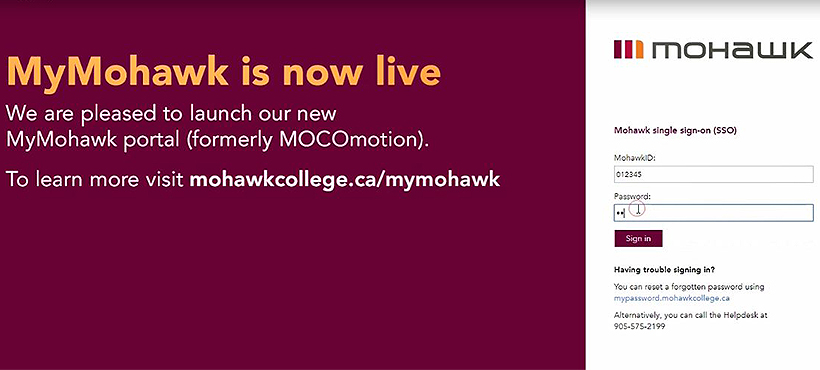
1 Login to MyMohawk.
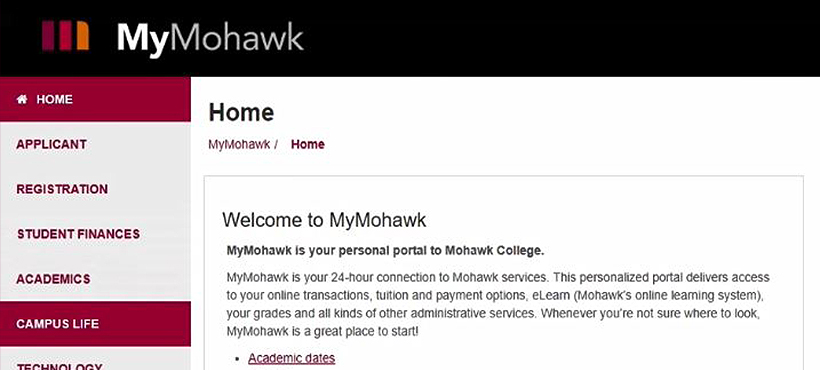
2 Click on the Campus Life Tab.
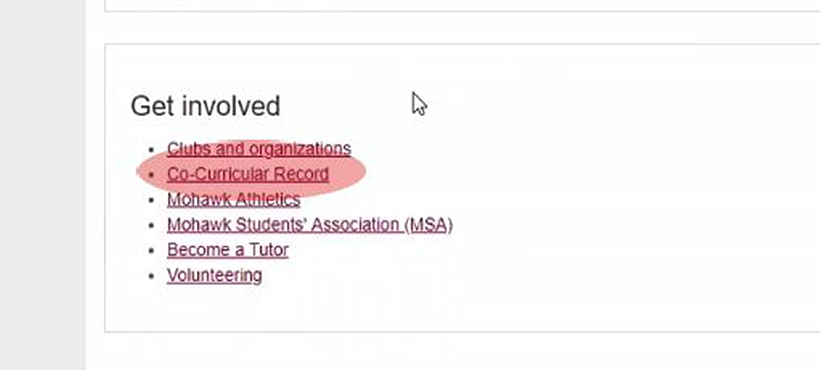
3 Scroll down to the “Get Involved” section and click on
“Co-Curricular Record”.
4 Review the important information, then hit the “I Agree” button.
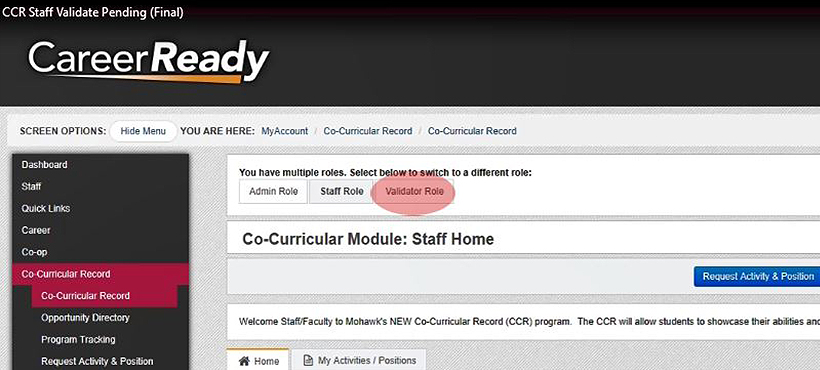
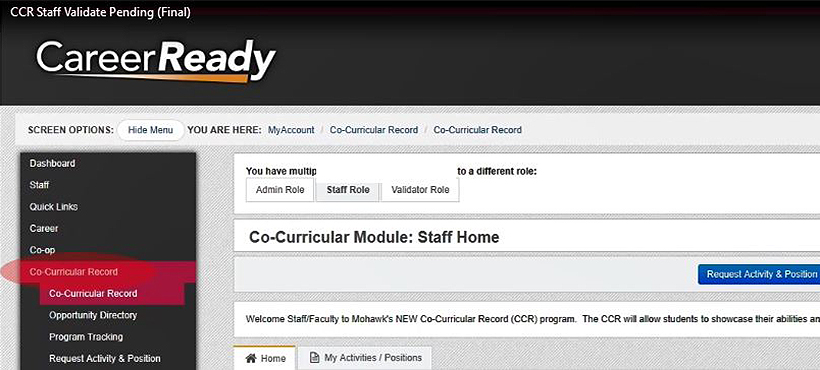
5 On the left, click the “Co-Curricular Record” tab.
