

First-time users need to sign in following the instructions listed below.
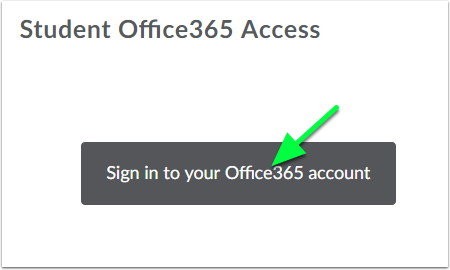
Step 1: Click to sign in
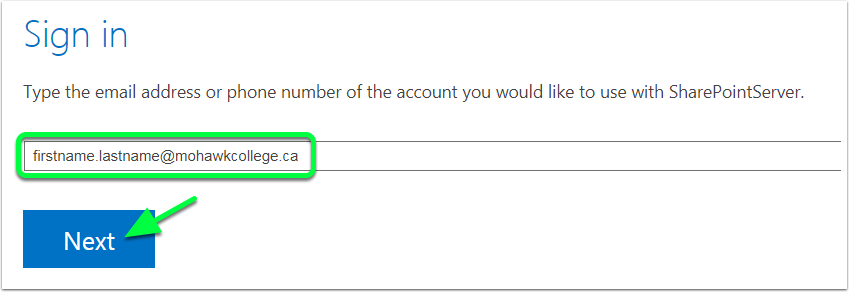
Step 2: Enter your Mohawk College email address (not your student number)
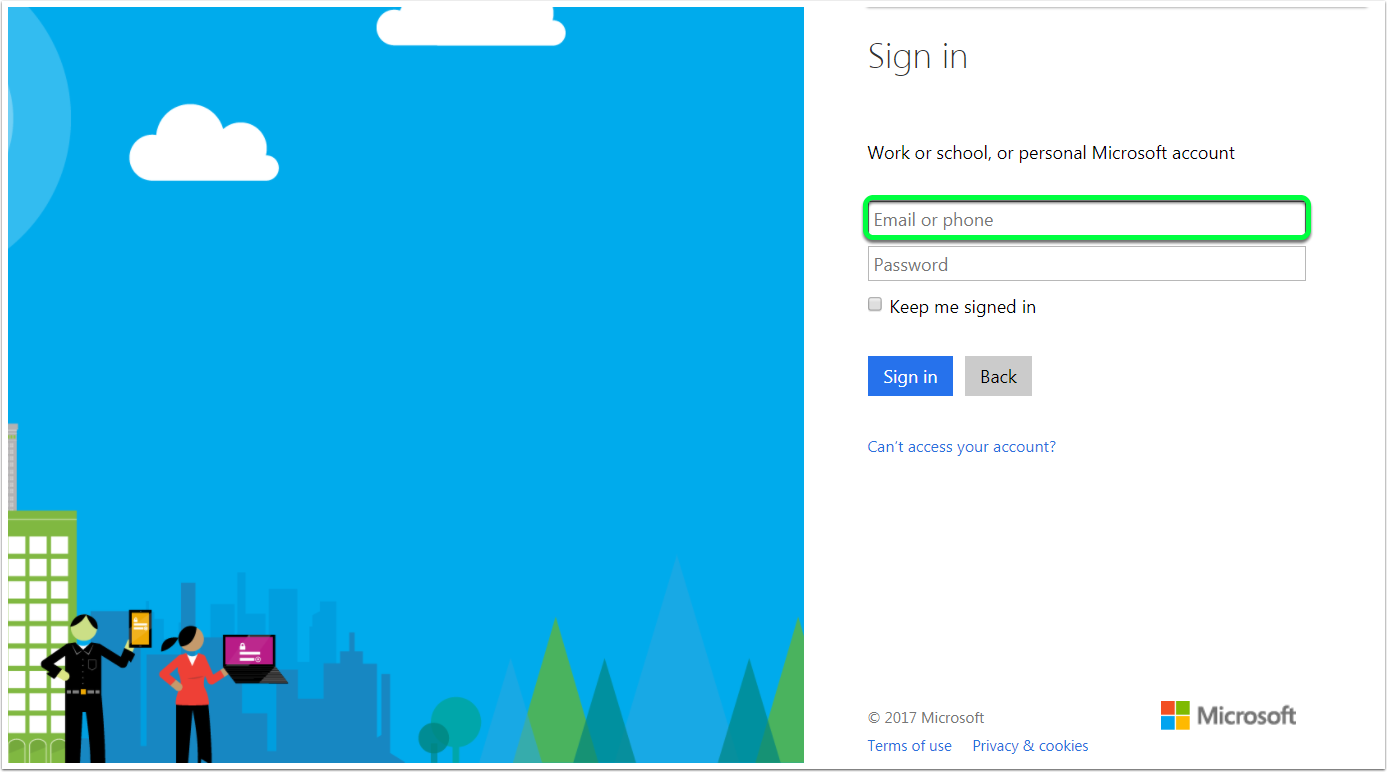
Step 3: One more time...enter your Mohawk College email address again
Your Office 365 widget is now ready to use in eLearn.
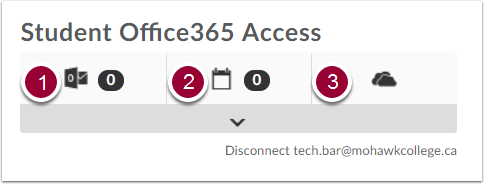
You now have access to three Office 365 tools that are integrated with eLearn:
1. Outlook (webmail)
2. Outlook Calendar
3. OneDrive (cloud storage)
